Onboarding Guide
BriefSpec
Introduction
Welcome to the BriefSpec Onboarding Guide. This guide is designed to help users quickly locate the key resources, reference materials, and support content needed to begin using the application effectively.
By following this guide, users can familiarize themselves with where to find helpful information, understand the available documentation, and start their BriefSpec journey with greater confidence and clarity.
Logging into the Application
Click on the URL received in your registered email or enter the URL provided to you by the Camptra team in the browser.
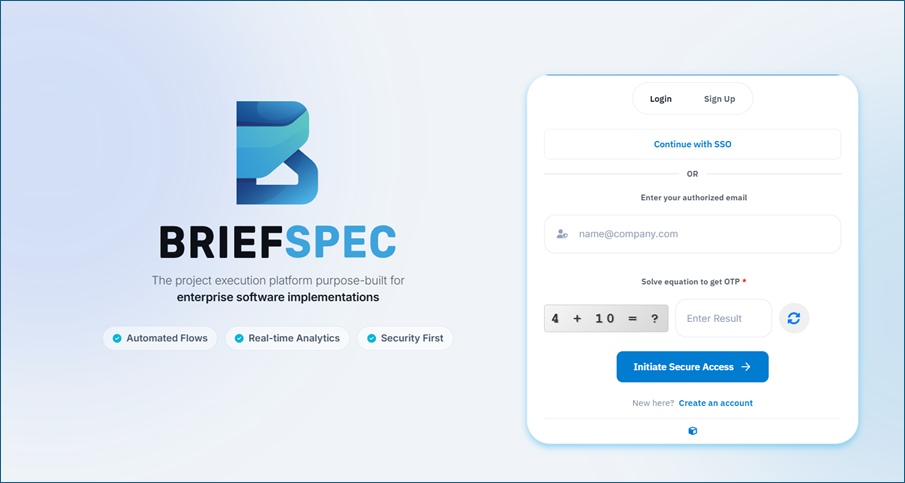
Login into the application by entering your registered email id, solving the equation and then entering the OTP sent to your registered email in the next screen.
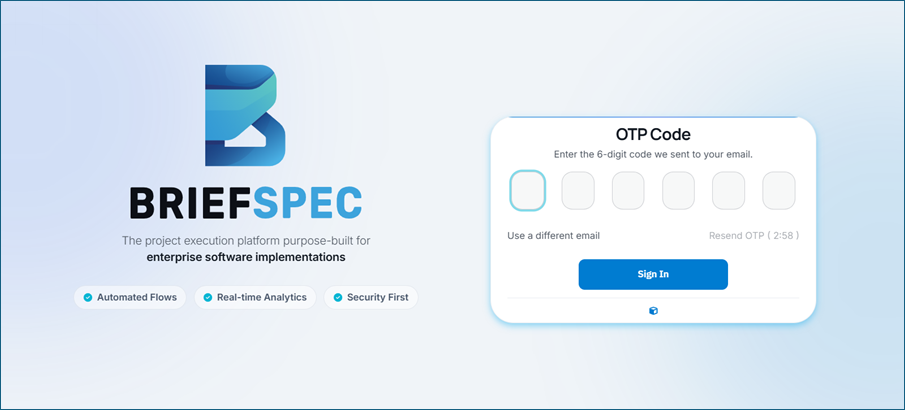
After successful login you will be navigated to the Home page.
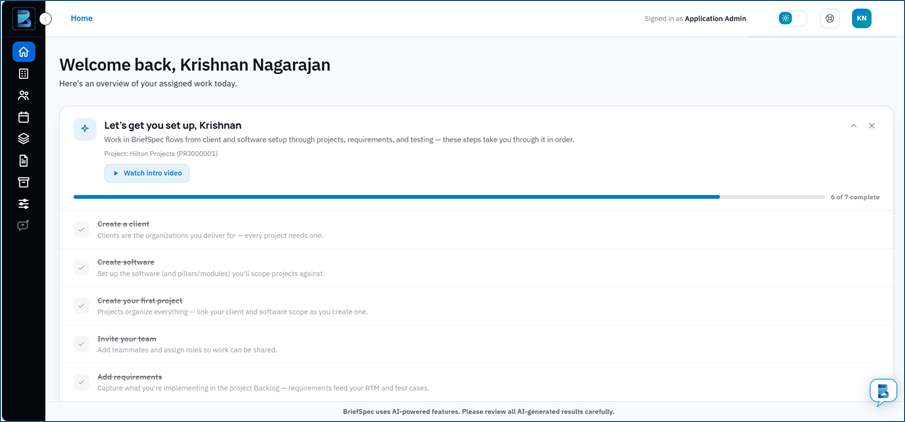
This is a typical view of the Home Page. Note that the details you will see will differ based on your assigned role.
Brief Help details
Click on the ‘Brief Help’ icon at the bottom right of the screen.
You will see the following screen.
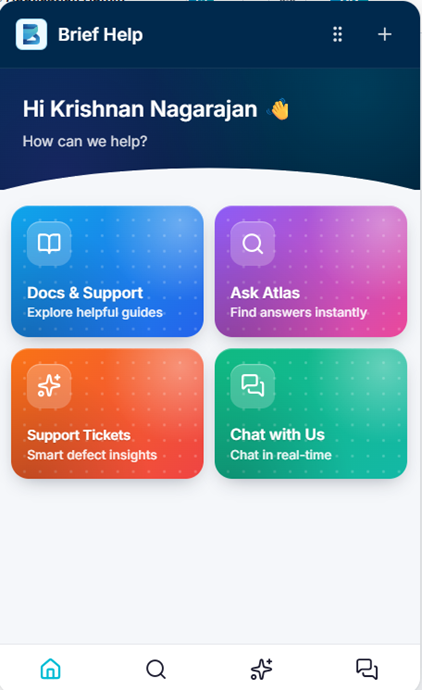
Click on ‘Ask Atlas’ to get answers for your queries and step by step instructions.
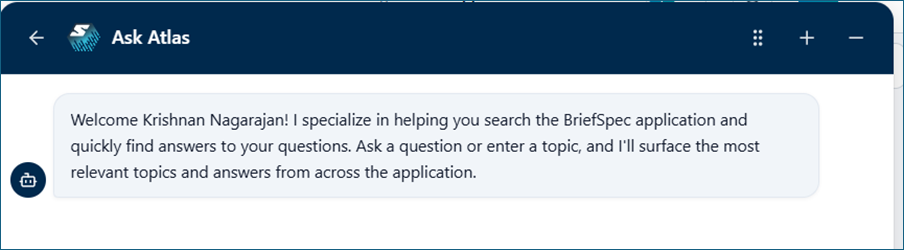
Click on the ‘Docs & Support’ tile to view available BriefSpec articles.

Click on the ‘BriefSpec’ tile to view the articles there. Start with the “Getting Started with BriefSpec” guide.
Click on the “Chat with Us” tile to start a chat session with the support team. The team will respond as soon as a representative is available.
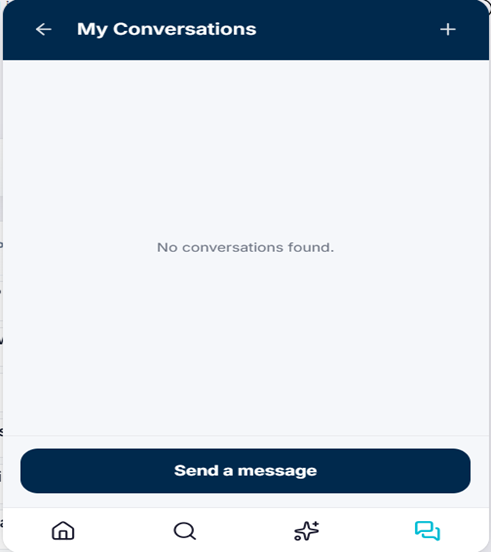
You can also use the “Support Tickets” option to open a support ticket for issues with the BriefSpec product. You will see the following screen. You can create a new issue or track existing issues.
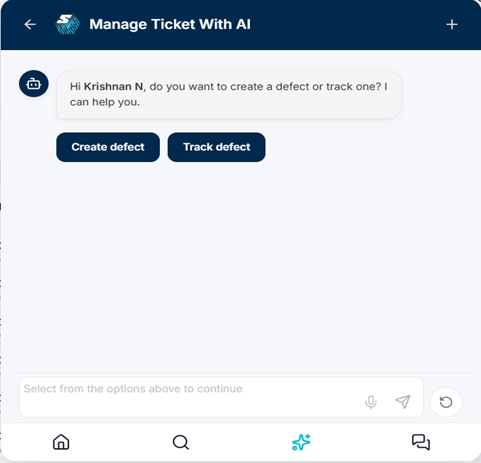
The ‘Chat with Us’ and ‘Support Tickets’ options are only available to App Admins.